 By Torin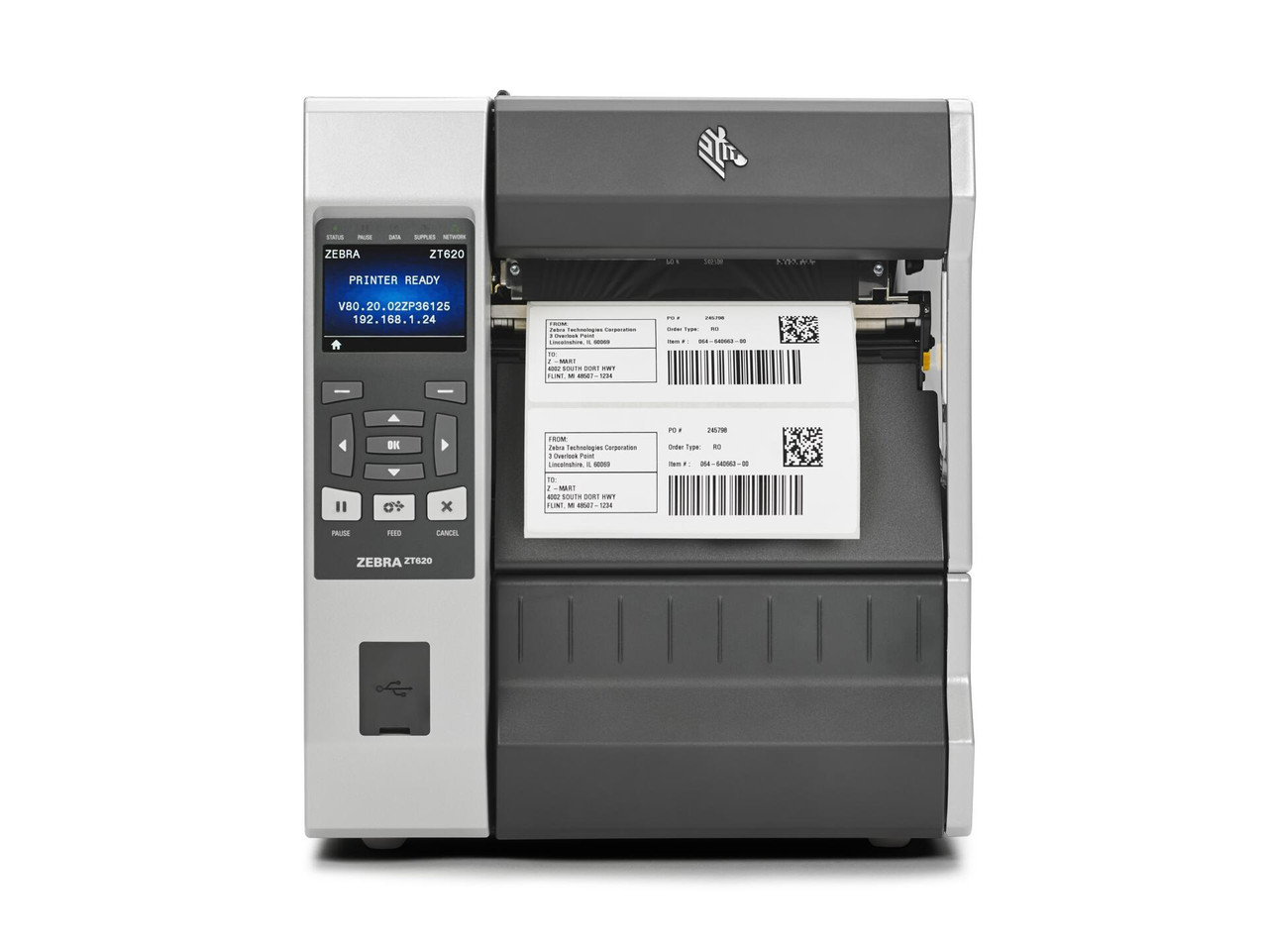
When it comes to efficient and reliable labelling, Zebra Industrial Label printers have become a go-to solution for businesses across industries. Whether you’re managing inventory, shipping products, or tracking assets, choosing the right label printer can save time, reduce errors, and simplify operations. But with multiple models and features available, how do you select the perfect printer for your business needs?
Let’s explore the key considerations to help you make the right choice, ensuring your investment works for both today and the long term.
Before selecting a printer, it’s essential to assess your business requirements.
Ask yourself questions like:
- What types of labels will you print most often? (Product, shipping, asset tracking)
- How many labels do you need daily?
- What label size and material are required for durability and readability?
Understanding these factors ensures you choose a printer that can handle your workflow efficiently. For example, heavy-volume shipping operations may require a high-speed Zebra industrial model, while smaller businesses could benefit from a mid-range unit.
Modern industrial printers offer a variety of connectivity options, including USB, Ethernet, Wi-Fi, and Bluetooth. Choosing a printer that easily integrates with your existing systems, such as inventory management or shipping software, simplifies operations and reduces errors.
Some Zebra industrial label printers support network printing, enabling multiple users to send print jobs from various locations. This feature is super handy in warehouses or offices with multiple departments because it makes access easier
and enhances productivity.
When selecting a Zebra printer, consider both print quality and speed. Industrial labels often need to withstand harsh environments, so crisp, clear printing is essential. Thermal transfer printing is ideal for durability, while direct thermal is suitable for short-term labels like shipping tags.
Print speed is an important factor to consider. High-volume operations benefit from printers that produce labels quickly without sacrificing quality. Balancing speed and quality ensures your labelling process is both efficient and professional.
Industrial environments can be demanding, so durability is a key consideration. Look for printers designed for heavy use, with robust construction and easy access for maintenance. Regular maintenance, such as cleaning printheads and replacing ribbons, ensures consistent performance and extends the printer’s lifespan.
Choosing a printer with reliable support and easily available replacement parts also saves time and reduces operational downtime.
A printer’s performance depends on its software. Zebra printers often include label design software, but it’s important to ensure compatibility with your existing systems. Check whether the printer supports popular formats like ZPL or EPL, and ensure your business software can communicate effectively with the device.
Some models even allow cloud-based printing, enabling remote operations and easier management across multiple sites.
While it’s tempting to choose the cheapest option, investing in a printer that meets your volume and durability requirements is often more cost-effective. Consider both the upfront cost and the ongoing cost of labels, ribbons, and maintenance. A slightly higher initial investment in a reliable Zebra industrial label printer model can lead to long-term savings and fewer operational headaches.
Zebra offers a wide range of industrial printers, each designed for specific needs. From high-speed production printers to compact industrial units, understanding the differences helps you match a model to your workflow. Consider features like:
- Maximum label width
- Print resolution
- Media handling options
- Connectivity and software support
By matching your workflow requirements with printer specifications, you ensure smooth operations and consistent output.
Selecting the right industrial label printer is an essential decision for any business aiming to optimise efficiency, accuracy, and workflow. From assessing label types and print volume to ensuring compatibility and durability, each factor plays a role in finding the perfect fit.
The DuraFast Label Company offers guidance and expertise to help businesses choose printers that meet operational needs while maintaining quality and reliability. Investing in the right Zebra printer today ensures smoother labelling processes and more productive business operations tomorrow.
1. What industries benefit most from Zebra industrial label printers?
Zebra printers are widely used in logistics, manufacturing, healthcare, retail, and food production, where durable and accurate labelling is critical.
2. How do I know which print technology is best for my labels?
Thermal transfer printing is ideal for long-lasting labels exposed to heat, moisture, or chemicals, while direct thermal printing works for temporary labels or short-term shipping.
3. Can Zebra printers handle high-volume printing?
Yes, many industrial models are designed for heavy-duty printing and can handle thousands of labels per day without compromising quality.
4. Is software included with Zebra printers?
Most models come with basic label design software, but advanced features may require additional programs or integration with your existing systems.
5. How often do Zebra industrial printers require maintenance?
Routine maintenance, such as cleaning printheads and replacing ribbons or labels, is recommended based on usage frequency. Proper care ensures optimal performance and longevity.
Keep an eye for more latest news & updates on MoonValleyNews!